
Service
Custom CRM development built around how your team really sells
A pipeline your sales and account teams will keep up to date, with follow-ups that happen and reports leadership trusts. Built to your sales motion, not a template.
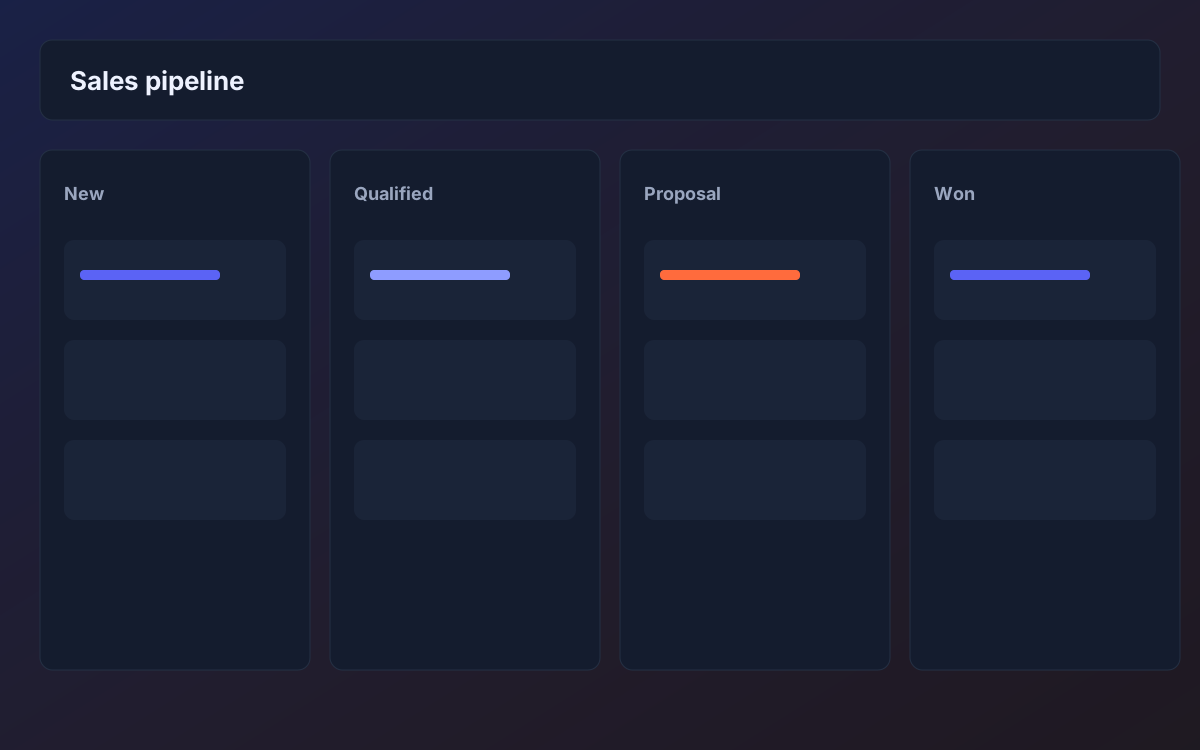
A CRM only works if people use it, and people only use it if it matches how they sell. Generic tools ask a rep to fill in twenty fields for a deal that really needs three, then bury the next action behind menus. The result is stale data, forgotten follow-ups and a forecast that is really a guess.
We design CRMs from the sales motion outward. We learn how leads arrive, who qualifies them, what the stages actually mean, how quotes and approvals work and what happens after a deal is won. The system captures only what the team needs, makes the next step obvious and reminds people before a lead goes cold.
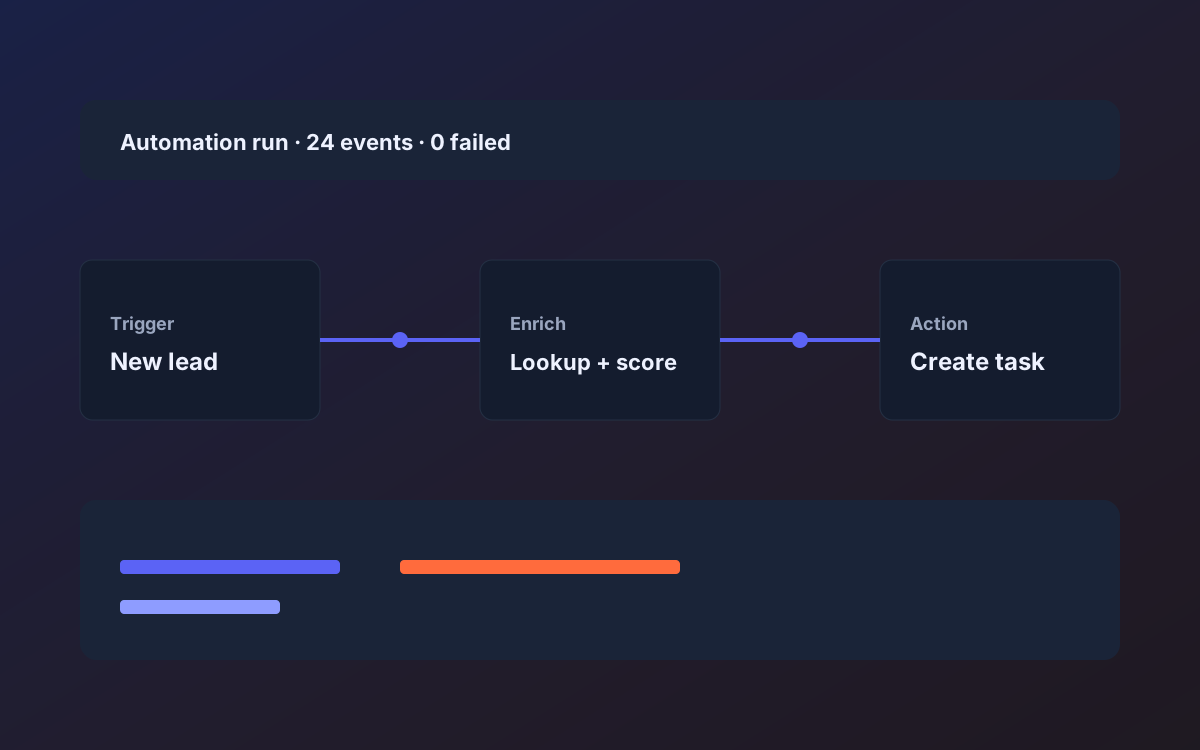
Because the CRM is custom, it can connect to the rest of your business without awkward workarounds. A signed proposal can create a project, a paid invoice can update the account, and website enquiries can land as structured opportunities with duplicates handled. You keep ownership of the data, with exports and an API from day one.
The problems
What usually goes wrong
Leads lost between handoffs
Enquiries arrive by form, email and phone, and no one owns the first response. By the time someone looks, the buyer has talked to a competitor.
A CRM nobody updates
Reps avoid a tool that adds admin without helping them sell. The data goes stale and managers rebuild the pipeline from conversation.
A forecast built on guesses
Stage definitions differ per rep, so the pipeline total tells you very little about what will actually close.
Sales and delivery out of sync
Promises made in the deal never reach the people who deliver. Onboarding starts with questions the customer already answered.
What you get
Deliverables
Pipeline and stage model
Stages with clear entry and exit criteria that reflect your real sales process, with different pipelines where your offers differ.
Lead capture and routing
Web forms, email and manual entry normalized into one inbox, with deduplication and assignment rules.
Tasks, reminders and sequences
Next actions scheduled automatically, with nudges for deals that are stalling and templates for common follow-ups.
Quotes, proposals and approvals
Reusable line items and an approval flow for discounts, so pricing decisions are recorded and consistent.
Dashboards for reps and leaders
A personal view of today's priorities for each rep and an honest pipeline view for management.
Integrations and data portability
Email, calendar, billing and delivery tools connected where APIs allow, plus full export and a documented API.
How it works
Step by step
01
Sales process interviews
We speak with reps, managers and the delivery team and trace a handful of real deals from first contact to handover.
02
Define data and stages
We agree on the fields that matter, what each stage means and who owns each transition, and write it into the scope.
03
Build the core pipeline first
Lead capture, pipeline board and tasks go live early with a small pilot group, so real usage shapes the rest.
04
Migrate and connect
We import contacts and open deals from your sheets or current tool, then wire up email, billing and delivery integrations.
05
Roll out and refine
We train the team, watch adoption and adjust fields and views in the first weeks based on what people do, not what we expected.
06
Measure adoption
We review usage after the first weeks, such as which fields are skipped and which views are used, and trim or reshape the system so it earns its place in the daily routine.
Timeline
How long it typically takes
A focused CRM covering lead capture, pipeline, tasks and reporting often takes six to ten weeks from approved scope. Adding quoting, approvals, multiple pipelines or several integrations typically extends that to three to five months. A pilot with a small group usually starts well before the full build is finished.
Who it's for
- Sales teams whose real pipeline lives in spreadsheets, inboxes and memory
- Service firms where selling, delivery and billing need to share one record
- Businesses frustrated that a configurable CRM still does not fit their process
Who it's not for
- Small teams whose needs are met by a standard CRM with light configuration
- Buyers who want a heavy marketing automation platform rather than a sales pipeline
- Teams without anyone available to describe how deals really progress
Keep exploring
Related pages
FAQ
Frequently asked questions
Why build a CRM instead of configuring an existing one?
If a standard tool fits with light configuration, use it. Custom makes sense when your process, approvals or integrations keep fighting the tool, or when the licensing cost for the features you need is high.
Can you migrate our data from spreadsheets or another CRM?
Yes. We map the columns, clean duplicates, import in rehearsals and check the results with your team before go-live.
Will it connect to our email and calendar?
Where the providers offer APIs, yes. We list which connections are in scope, what they sync and which limits apply, so expectations are clear.
Can it support more than one team or brand?
Yes. Separate pipelines, permissions and views can be set up for different teams, offers or regions within one system.
How do you make sure the team will use it?
We pilot with a small group early, design the daily view around their next actions and remove fields nobody needs. Adoption is treated as part of the delivery, not an afterthought.
Can it run email sequences and marketing campaigns?
Simple follow-up sequences, yes. Large-scale campaign tools are a different category, and we would usually integrate with a dedicated email platform rather than rebuild one inside your CRM.
Next step
Tell us what you want to build
A short call, then a written scope in plain language before any build starts.
- Fixed scope
- Weekly demos
- You own the code